
Myriad Tech Labs · eSign PDF
Your documents.
Your signature.
Done.
Fill, edit and sign PDFs from your iPhone. Skip the printer and keep your paperwork moving, wherever your day takes you.
Download on the App Store ↗Sign and edit existing PDFs for free.
Scanning and creating new PDFs require a subscription.
Less paperwork. More possibility.
Everything you need
to make it official.
From a quick signature to the final page, work on your PDFs in one place.
Sign your way
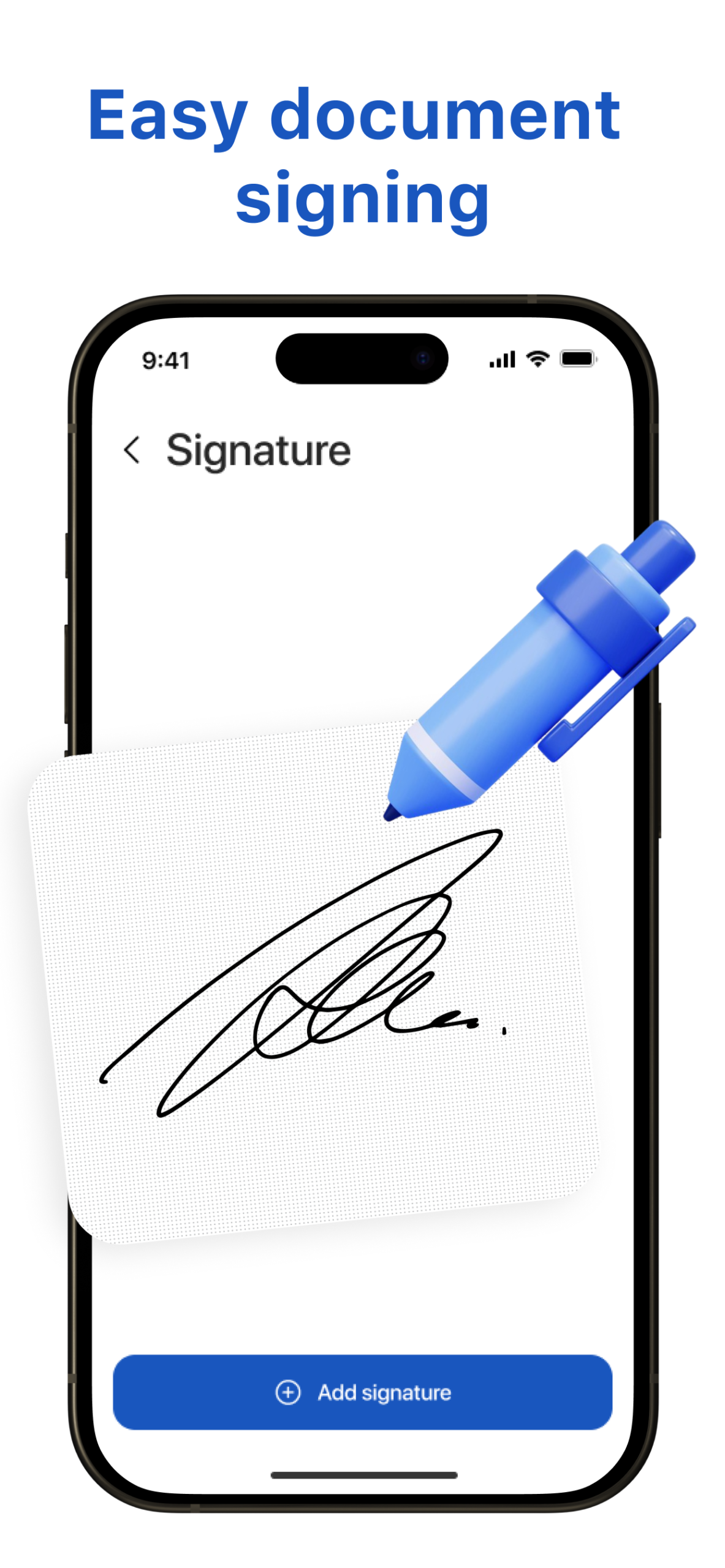
Add signatures, initials and stamps. Move, resize or remove them as your document takes shape.
Fill in the details
Complete form fields and checkboxes, or add text, dates and check marks anywhere on a page.
Put pages in order
Rotate, reorder and delete pages. Undo and redo changes as you refine your document.
Keep files together
View your document history, rename saved files and find the paperwork you need again.
Ready to share
Share or print your finished PDFs. Original text stays sharp and searchable after signing.
From paper to PDF
With a subscription, scan documents with your camera or combine images into a new PDF.
How it works
Open. Sign. Send.
Open your PDF
Import an existing PDF into eSign to get started.
Make it yours
Fill in the details, add your signature and arrange the pages.
Share the finished file
Save your work, then share or print your completed document.
Start with what you need
Free signing.
More ways to create.
Use existing PDFs for free. Upgrade when you need scanning and new PDF creation.
Work with existing PDFs
- Open, fill, edit and sign existing PDFs
- Add signatures, initials and stamps
- Manage document history and saved files
- Rename, share, print or delete documents
Create something new
- Scan paper documents with your camera
- Import images to create PDFs
- Combine multiple images into one PDF
- Create and save unlimited new PDFs
See the app for current subscription options and pricing.
A few helpful answers
Before you start.
Can I sign an existing PDF for free?
Yes. Signing and editing existing PDFs is free. A subscription is required to scan documents and create and save new PDFs from images.
Can I edit a signature after adding it?
Yes. Signatures and stamps remain editable, so you can move, resize or remove them.
Can I fill out forms and organize pages?
Yes. Fill text fields and checkboxes, add text and dates, and rotate, delete or reorder pages.
Where can I get help?
Contact support@myriadux.com for help with eSign.
Less printing.
More getting things done.
Keep your next signature close at hand with eSign: PDF Fill & Signature.
Download on the App Store ↗